
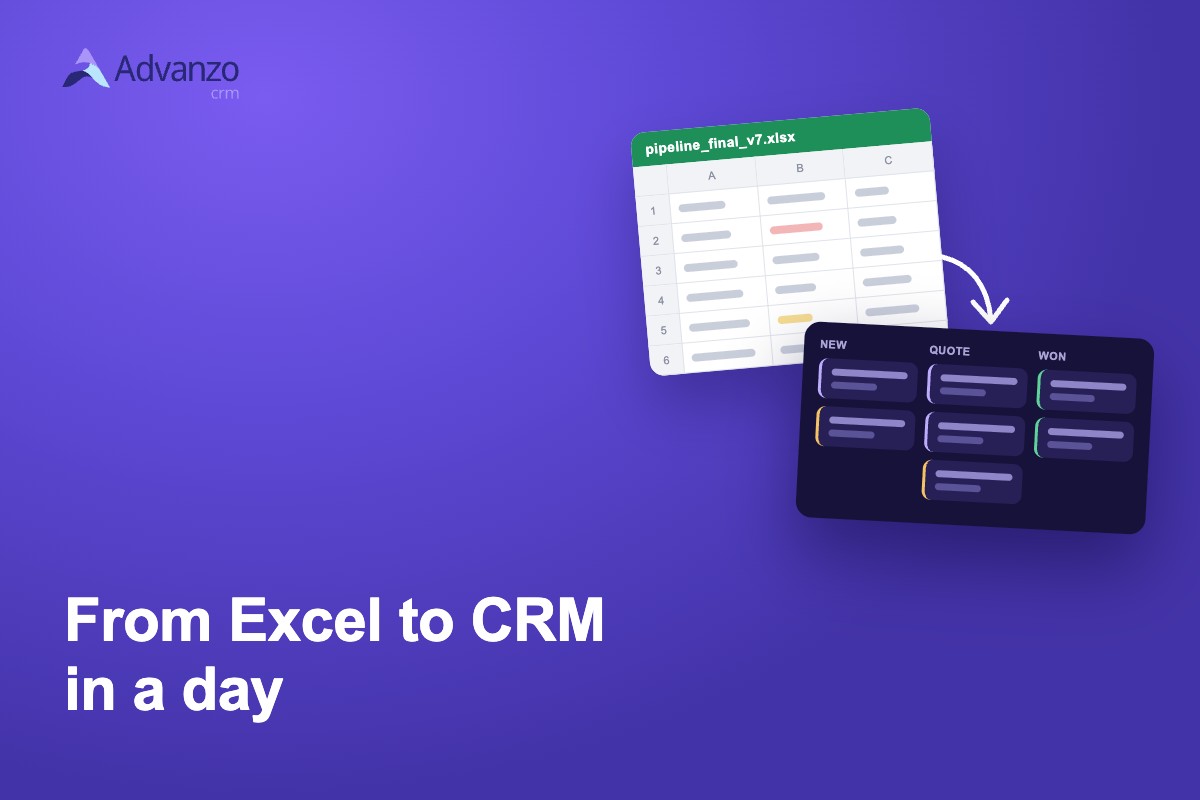
From Excel to CRM: when a small sales team should switch, and how to do it in a day


Moving from Excel to a CRM makes sense for a small sales team once the spreadsheet starts costing deals: follow-ups get forgotten, two people edit the same row, or nobody can say what is open this week without asking around. The switch itself is not a project. With a tidy list and a clear schedule, a team of two to ten people is working in the CRM by the end of the day. With Advanzo you start for free, on a lean Swiss CRM with EU hosting.
Updated: November 2026
When should a small sales team switch from Excel to a CRM?
As soon as two or more of the signals below apply. Excel is a good tool for lists and a weak one for process: it reminds nobody, it has no idea who owns what, and it knows nothing about the emails where the deal actually happens.
- Follow-ups get forgotten: a quote has been out for two weeks and nobody has chased it, because a spreadsheet does not remind anyone.
- More than one person sells: once two people maintain the same file, you get versions called "pipeline_final_new.xlsx" and overwritten cells.
- The history lives in an inbox: what was agreed with the customer is known only to whoever has the emails. When that person is on holiday, the deal stops.
- The forecast is manual work: before every Monday meeting, someone spends half an hour adding up totals.
- Enquiries go missing: a request from the website or by email never reaches the list, because entering it is a separate step.
- Nobody trusts the numbers: the meeting starts with a debate about whether the spreadsheet is up to date, and only then turns to the deals.
When is Excel still enough?
When one person sells, fewer than ten to fifteen deals are open at a time and the sales cycle is short. In that case the spreadsheet is fast, familiar and good enough. A CRM solves problems of collaboration and follow-up. A team without those problems gains little from switching. More on this in Does my SME need a CRM? and in the comparison CRM or Excel spreadsheet.
What do you need before the day starts?
Three decisions that take less than half an hour together. Make them the day before and the switch day is not lost to debates about principles.
- One owner: someone runs the day and decides when things are unclear. This is not an IT job. It works best when the owner sells too.
- One source: agree which file counts. If there are several versions, merge them into one list first.
- One cut-off: from the evening of the switch day, work happens only in the CRM. Without that date, spreadsheet and CRM run side by side for weeks.
How do you make the switch in a day?
In seven steps, in a fixed order. The schedule below assumes a team of two to ten people and a list of a few hundred to a few thousand contacts. Most of the time goes into tidying up. The import itself takes minutes.
| Time | Step | Result |
|---|---|---|
| 09:00 | Tidy the spreadsheet | One row per contact, no duplicates |
| 10:30 | Define the pipeline stages | Four to six stages everyone reads the same way |
| 11:00 | Test import, then all contacts | Contacts and companies are in the CRM |
| 13:00 | Enter the open deals | Every deal has a stage, a value and a next step |
| 14:00 | Connect mailboxes and calendars | New emails land on the right contact |
| 14:30 | Walk the team through it | Everyone knows the three rules |
| 15:30 | Freeze the spreadsheet | Excel is archived and read-only |
- Tidy the spreadsheet: save a copy of the original file, remove duplicates by email address, split first and last names, standardise phone numbers to +41. The details are in the guide to migrating contacts from Excel to a CRM.
- Define the pipeline stages: four to six stages are enough, for example Enquiry, Qualified, Quote, Negotiation, Won. Each stage needs a clear criterion for when a deal belongs in it. There is a template in Structuring pipeline stages properly.
- Import: save the list as CSV (UTF-8), map each column to a CRM field during import and test 10 to 20 rows first. If accented characters, phone numbers and mapping look right, bring in the rest.
- Enter the open deals: only what is open today. With twenty or thirty deals, typing them in is quicker than any import, and the team looks at each deal once on purpose. Every deal gets a stage, a value, an owner and a next step with a date.
- Connect mailboxes and calendars: each person connects their own mailbox. From then on the correspondence sits on the contact and the deal, and no longer only in a personal inbox. The post Microsoft 365 and your CRM shows what that looks like.
- Walk the team through it: 45 minutes at the screen, with real deals instead of slides. Each person moves one of their own deals, writes a note and sets a next step.
- Freeze the spreadsheet: rename the file to "Archive", set it to read-only, remove the link from everyone's favourites. The spreadsheet stays available for reference, but nobody enters anything new.
What should you leave out on day one?
Everything the team does not need tomorrow. The most common reason a switch takes weeks is the attempt to build the perfect system on the first day.
- The full history: won and lost deals from past years stay in the archived spreadsheet. They can follow later if someone misses them.
- Twenty custom fields: start with the standard fields. Add a field only when someone misses it for the third time.
- Automation: workflows and templates pay off once the process has run steadily for two weeks. Before that, you are automating guesses.
- Reports: reports need data. After a month of clean entries they mean something. On day one they do not.
Three rules that keep the team out of Excel
The import is the easy part. Whether the switch lasts is decided in the first two weeks, by three habits.
- If it is not in the CRM, it does not exist. The pipeline meeting only covers what is recorded in the CRM. That applies to management too.
- Every open deal has a next step with a date. A deal without a next step is a forgotten deal.
- New contacts are entered straight away. Not on Friday, not in batches, not in a note first.
A short weekly meeting held directly in the pipeline keeps these rules alive. The format is described in The weekly pipeline review.
Switching made easy: your Excel contacts move to Advanzo via CSV import. See how CRM migration works, or start free and try the import yourself.
Frequently asked questions (FAQ)
When should a small sales team switch from Excel to a CRM?
When more than one person sells and the spreadsheet is costing deals: forgotten follow-ups, several file versions, a history that lives only in individual inboxes, or a forecast that is added up by hand every week. If two of these signals apply, the switch is worth it.
Can you really move from Excel to a CRM in one day?
Yes, if the list is manageable and the team sticks to the essentials: import contacts, enter open deals, connect mailboxes, agree the rules. Very large or messy lists need more time for tidying up. The sequence stays the same.
Do all the old deals have to go into the CRM?
No. On day one, only open deals go into the CRM. Closed deals stay in the archived spreadsheet and can be imported later if they are needed for reporting.
What happens to the Excel spreadsheet after the switch?
It is archived and set to read-only. That keeps it available for reference without creating a second list that is maintained in parallel.
What does it cost to get started?
Getting started can be free. Advanzo's Starter plan is free up to 25 deals, with an unlimited number of users. Teams that run more deals at once will find the plans on the pricing page.
Ready to switch? Start Advanzo for free: free up to 25 deals, no credit card, with EU hosting.












































Start for free with Advanzo and experience right away how simple deal management can be.

